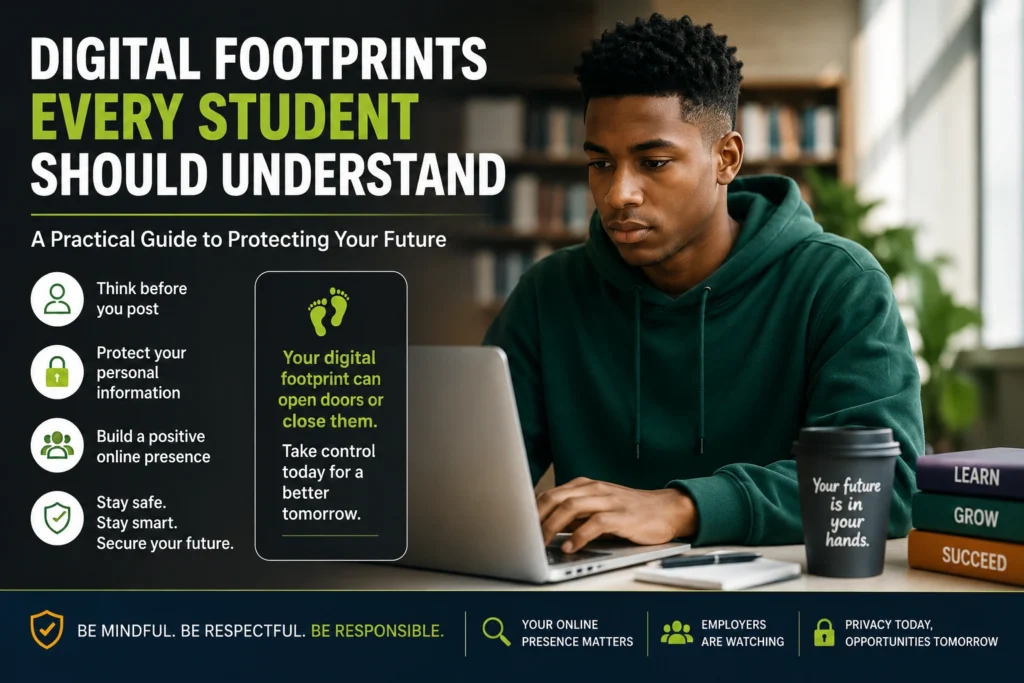

Every day, students create a digital trail without even thinking about it. A social media post, a comment on a gaming forum, a shared photo, a Google search, or even signing up for a free app all contribute to a permanent online record. While these actions may seem harmless at the time, they can influence future opportunities in ways many students never expect.
Universities, scholarship providers, internship recruiters, and employers increasingly consider a person’s online presence when making decisions. A positive digital reputation can strengthen an application, while careless online activity may raise concerns about professionalism, judgment, or character.
Understanding Digital Footprints Every Student Should Understand is no longer optional. It is an important life skill that helps students protect their privacy, build a positive online identity, and prepare for future academic and career opportunities.
This practical guide explains what digital footprints are, why they matter, and the practical steps every student can take to manage them responsibly.
What Are Digital Footprints Every Student Should Understand?
A digital footprint is the collection of information you leave behind whenever you use the internet.
Some of this information is shared intentionally, while other data is collected automatically by websites, apps, and online services.
Examples include:
- Social media posts
- Photos and videos
- Comments on websites
- Emails
- Online purchases
- Search history
- Gaming profiles
- School discussion forums
- Cloud documents
- Mobile app usage
- Website cookies
- Location history
Your digital footprint is essentially your online reputation. Over time, these pieces of information create a picture of who you are, what interests you, and how you behave online.
Many students are surprised to discover that information posted years ago may still exist online, even after deleting it.
ALSO APPLY FOR: Lindsey Milne Bursary 2027
ALSO APPLY FOR: CSIR-Sasol Foundation Bursary 2027
Active vs Passive Digital Footprints
Understanding the difference helps students make better online decisions.
Active Digital Footprints
These are created when you deliberately share information.
Examples include:
- Posting on Instagram
- Uploading TikTok videos
- Tweeting opinions
- Writing LinkedIn posts
- Publishing YouTube videos
- Leaving online reviews
Because these actions are intentional, students have greater control over them.
Passive Digital Footprints
These are created automatically.
Examples include:
- Website tracking cookies
- IP addresses
- Browser history
- App analytics
- GPS location data
- Device information
Many websites collect this information to improve services, personalize content, or display advertisements.
Students often underestimate how much passive information is collected during normal internet use.
Why This Issue Matters
A digital footprint can influence opportunities long before a student attends an interview.
Many organizations now perform basic online searches before making admissions or hiring decisions. While practices vary, a public online presence may contribute to an overall impression of an applicant.
A strong digital reputation can demonstrate:
- Leadership
- Creativity
- Professionalism
- Community involvement
- Academic interests
- Volunteer work
- Personal projects
On the other hand, inappropriate content can create unnecessary questions.
Potential concerns include:
- Offensive language
- Bullying
- Hate speech
- Illegal activities
- Public harassment
- Fake qualifications
- Sharing confidential information
Even when old posts no longer reflect someone’s current character, they may still appear in search results or screenshots shared by others.
For students applying for bursaries, internships, graduate programmes, or university admissions, maintaining a responsible online presence is becoming increasingly important.
Common Sources of Digital Footprints
Many students think only social media contributes to their digital identity.
In reality, digital footprints come from many places.
Common examples include:
- Facebook profiles
- Instagram stories
- TikTok videos
- Snapchat posts
- WhatsApp profile photos
- LinkedIn accounts
- YouTube comments
- Discord servers
- Reddit discussions
- Gaming platforms
- Google Drive files
- School learning platforms
- Email accounts
- Online competitions
- Shopping websites
Even public usernames can become searchable over time.
How Digital Footprints Affect Students
Academic Opportunities
Some scholarship committees and educational institutions may review publicly available information to gain a broader understanding of applicants.
Positive online activities—such as participating in educational discussions, sharing projects, or showcasing achievements—can reinforce a student’s application.
Internship Applications
Recruiters often appreciate candidates who demonstrate professionalism online.
A well-maintained LinkedIn profile, coding portfolio, design portfolio, or volunteer work shared online can make a positive impression.
Employment
Many employers conduct internet searches during recruitment.
This does not necessarily mean they reject candidates because of old mistakes, but public behavior can influence how applicants are perceived.
Professional communication and respectful interactions online can strengthen credibility.
Personal Safety
Digital footprints can also expose personal information.
Oversharing may reveal:
- Home addresses
- Daily routines
- School locations
- Phone numbers
- Family information
- Travel plans
This information can increase privacy and security risks.
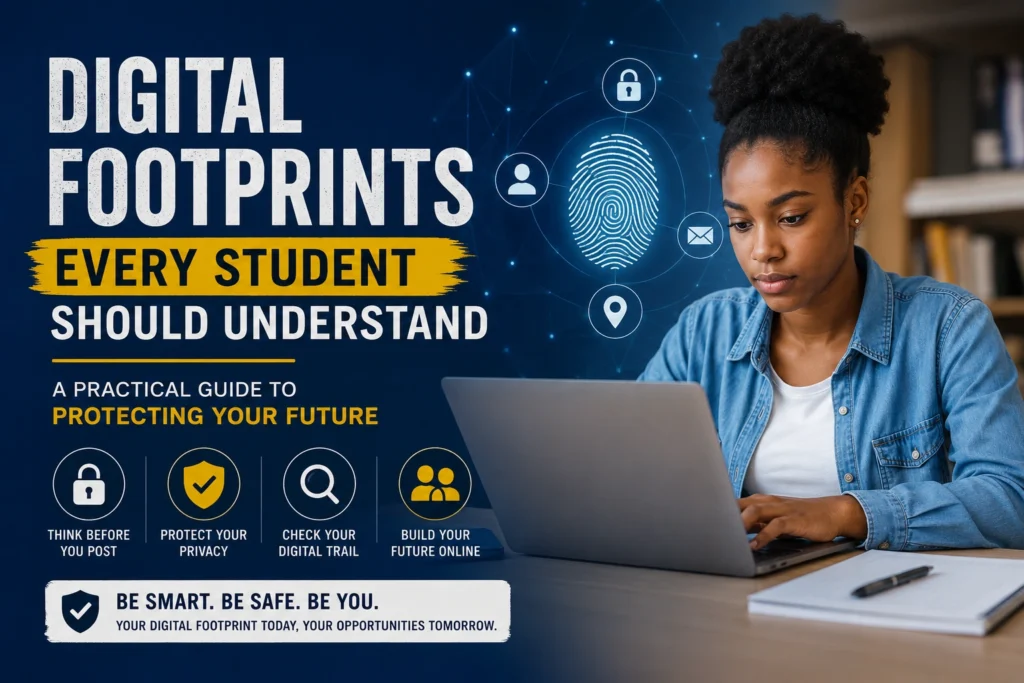
ALSO READ ABOUT: UX/UI Design Careers
Step-by-Step Guide to Managing Your Digital Footprint
Step 1: Search Yourself Online
Type your name into several search engines.
Look at:
- Images
- Videos
- Social media profiles
- Old blog posts
- Cached information
This gives you a realistic picture of what others may find.
Step 2: Review Privacy Settings
Check privacy options on every major platform.
Ask yourself:
- Who can see my posts?
- Who can tag me?
- Who can download my photos?
- Can strangers send me messages?
Limit unnecessary public access.
Step 3: Delete Old Content
Review older posts.
Remove content that:
- No longer represents you
- Reveals personal information
- Could be misunderstood
- Appears offensive or immature
Remember that deletion does not always remove screenshots or archived copies, but it can reduce visibility.
Step 4: Strengthen Password Security
Use:
- Unique passwords
- Password managers
- Two-factor authentication
Account security is part of managing your digital footprint because hacked accounts may publish unwanted content.
Step 5: Think Before Posting
Before uploading anything, ask:
- Would I be comfortable if a teacher saw this?
- Could an employer misunderstand this?
- Would I want this online in five years?
If the answer is no, reconsider posting.
Step 6: Build a Positive Online Presence
Digital footprints are not only about avoiding mistakes.
Students can actively create positive content by:
- Sharing academic achievements
- Publishing projects
- Writing educational blogs
- Joining online competitions
- Volunteering
- Participating in coding challenges
- Creating portfolios
Positive content gradually becomes a stronger representation of who you are.
Step 7: Review App Permissions
Many apps request access to:
- Contacts
- Camera
- Microphone
- Photos
- Location
- Calendar
Only approve permissions that are genuinely necessary.
Best Practices Experts Recommend
Experts in cybersecurity and digital literacy consistently encourage students to develop healthy online habits rather than relying on occasional clean-ups.
Some of the most effective practices include:
- Review your online accounts several times each year.
- Use strong, unique passwords for every important account.
- Enable two-factor authentication wherever possible.
- Keep software and apps updated to reduce security risks.
- Be cautious before accepting friend requests from strangers.
- Avoid posting personal information such as addresses, school timetables, or financial details.
- Regularly check which third-party apps have access to your accounts.
- Think carefully before commenting during emotional moments, as online posts can spread quickly.
- Build a professional online profile that highlights your interests, skills, volunteer work, and achievements.
- Stay informed about changing privacy settings on social media platforms.
Good digital habits developed during school often continue into university and professional life.
Mistakes People Often Make
Students rarely damage their digital reputation through one major mistake. More often, problems arise from small decisions repeated over time.
Common mistakes include:
Posting Without Thinking
Impulsive posts made while angry or upset often remain online much longer than expected.
Oversharing Personal Information
Sharing addresses, travel plans, or personal documents can create privacy and security risks.
Ignoring Privacy Settings
Many students never change the default settings on their accounts, leaving more information public than intended.
Using the Same Password Everywhere
If one account is compromised, attackers may gain access to multiple services.
Believing Deleted Means Gone Forever
Deleted posts may still exist in backups, screenshots, archives, or search engine caches.
Creating Inappropriate Usernames
A username chosen at age 13 may not create the best first impression during university or job applications.
Accepting Unknown Friend Requests
Fake accounts can collect personal information or attempt scams.
Forgetting Old Accounts
Unused accounts from years ago can still contain personal information and should be closed if no longer needed.
Building a Positive Digital Reputation
Managing a digital footprint is not simply about avoiding mistakes.
Students should also think about what they want others to discover.
Positive ways to strengthen an online reputation include:
- Publishing school projects
- Sharing volunteer experiences
- Building a digital portfolio
- Completing online courses
- Participating in community initiatives
- Writing thoughtful articles
- Demonstrating respectful online communication
- Showcasing creative work
These activities help create a balanced and authentic online presence.
How Parents and Teachers Can Help
Students benefit when adults encourage responsible digital habits early.
Parents and teachers can:
- Discuss online privacy openly.
- Explain that internet activity can have lasting effects.
- Encourage respectful online communication.
- Teach students how to identify scams and phishing attempts.
- Promote regular reviews of privacy settings.
- Support students in creating positive online portfolios.
Digital literacy is becoming just as important as traditional literacy in modern education.
Frequently Asked Questions
1. Can employers really see my social media accounts?
Employers can generally view information that is publicly available online. Private accounts remain private unless you choose to share access, but public posts, comments, usernames, and profiles may be visible.
2. Is deleting a post enough to remove it permanently?
Not always. While deleting a post removes it from your account, copies may still exist through screenshots, internet archives, backups, or search engine caches.
3. How often should I review my digital footprint?
A good habit is to review your online presence every few months or before applying for universities, bursaries, internships, or jobs.
4. Can I build a positive digital footprint from scratch?
Yes. Sharing educational achievements, volunteer work, personal projects, professional networking profiles, and creative work can gradually strengthen your online reputation over time.
Final Thoughts
Understanding Digital Footprints Every Student Should Understand is an essential part of preparing for life beyond the classroom. Every post, comment, photo, and online interaction contributes to the story others may see about you.
The good news is that managing your digital footprint does not require advanced technical skills. By reviewing your online presence regularly, protecting your privacy, thinking carefully before posting, and creating positive content that reflects your goals, you can build an online reputation that supports your future instead of limiting it.
Small actions taken today—such as updating privacy settings, deleting outdated content, using stronger passwords, and showcasing your achievements—can make a meaningful difference when applying for scholarships, internships, university places, or your first job. Treat your digital footprint as an investment in your future, and make sure it reflects the person you want others to know.
ALSO READ ABOUT: UX/UI Design Careers
ALSO APPLY FOR: Lindsey Milne Bursary 2027
ALSO APPLY FOR: CSIR-Sasol Foundation Bursary 2027