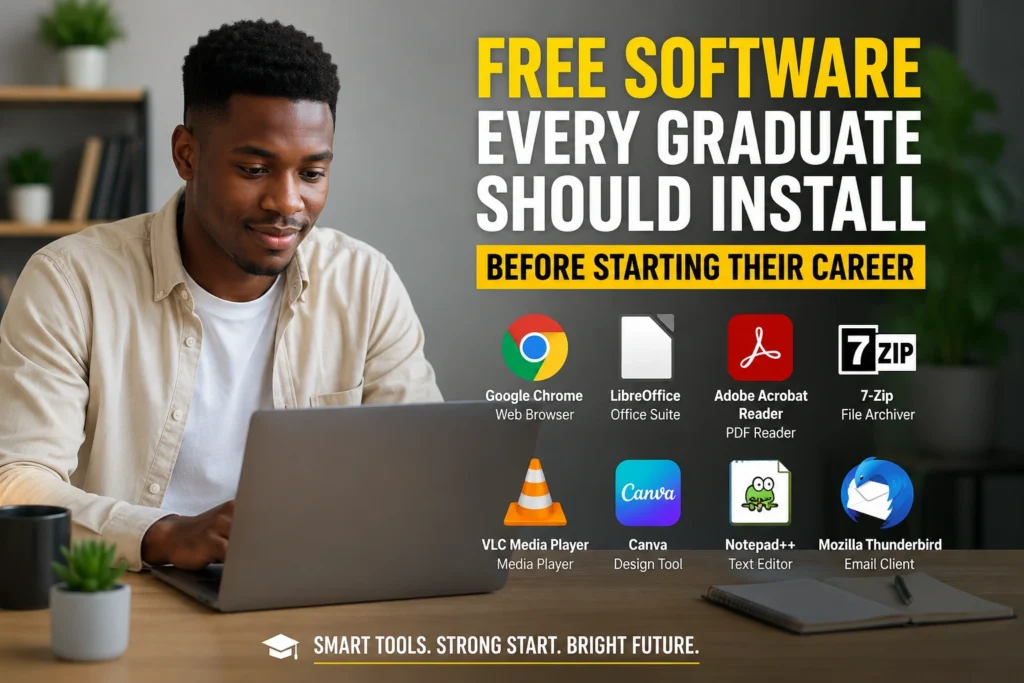

Graduating from university or college is supposed to feel like the beginning of something exciting. Instead, many graduates quickly discover that entering the workplace comes with a new set of practical problems. You may have the qualification, but employers also expect you to communicate professionally, manage documents, organise your work, attend virtual meetings, protect your files and work efficiently.
The good news is that you do not need an expensive collection of software to get started.
There are reliable free tools that can help graduates prepare CVs, edit documents, create presentations, manage tasks, communicate with employers, store files and build useful workplace habits. Knowing which tools are genuinely useful is more important than installing dozens of applications you will never use.
This guide to Free Software Every Graduate Should Install focuses on practical tools that can support your transition from student life into employment, internships, learnerships, graduate programmes and entry-level jobs.
What Free Software Can Do for a Graduate
Free software does not necessarily mean low quality. Many established applications offer free versions that are more than sufficient for someone starting their career.
The important thing is to choose software according to the tasks you actually need to perform.
A graduate applying for jobs might need:
- A word processor for CVs and cover letters
- A PDF reader and basic PDF tools
- Cloud storage for important documents
- A web browser for job applications
- Video-conferencing software for interviews
- Communication applications
- Spreadsheet software
- Presentation software
- Note-taking and task-management tools
- Password-management and security tools
- File-compression software
You do not have to install everything at once. Start with the tools that solve an immediate problem and add others as your career develops.
ALSO APPLY FOR: iTOO Learnership 2026
ALSO APPLY FOR: CHIETA Learnership 2026
Why This Issue Matters
The transition from education to employment is not simply about finding a job. It is also about becoming comfortable with the digital tools used in modern workplaces.
A graduate may lose an opportunity because a CV is poorly formatted, an important application document cannot be opened, an online interview fails because the software is unfamiliar, or a portfolio is difficult to access.
Digital competence can therefore affect how efficiently you apply for opportunities and how professionally you present yourself.
For South African graduates applying for internships, learnerships, bursaries, graduate programmes and entry-level positions, this is particularly relevant because many applications are completed online.
Reliable free software can help reduce costs while giving you a practical digital toolkit.
Free Software Every Graduate Should Install
1. LibreOffice – A Free Office Suite
LibreOffice is one of the most useful free alternatives to paid office software.
It includes tools for:
- Word-processing
- Spreadsheets
- Presentations
- Drawing
- Databases
- Mathematical formulas
For a graduate, the word processor and spreadsheet applications are particularly useful.
You can use the word processor to create CVs, cover letters, reports and application documents. The spreadsheet application can help you practise basic Excel-style skills, create budgets, track applications or organise information.
One important tip is to save documents in commonly accepted formats such as .docx or .pdf when submitting applications, depending on what the employer requests.
2. Google Chrome or Mozilla Firefox – Your Job Search Tools
A reliable web browser is essential for graduates.
You will probably use a browser for:
- Searching for vacancies
- Completing application forms
- Accessing company career portals
- Joining online assessments
- Researching employers
- Checking email
- Attending web-based interviews
- Completing online courses
Download Here: Google Chrome and Mozilla Firefox are both established options.
Whichever browser you choose, keep it updated. Many recruitment platforms depend on modern browser features and security updates.
3. Adobe Acrobat Reader – For Opening PDF Documents
PDF files are everywhere in professional environments.
Job advertisements, application instructions, certificates, contracts, forms and company documents may all be provided as PDFs.
Download Here: Adobe Acrobat Reader is a free option for opening and reading PDF documents.
Before sending a CV or certificate, it is also worth opening the final PDF yourself. Check that the formatting, page numbers, contact details and hyperlinks appear correctly.
4. Google Drive – Keep Important Documents Accessible
Cloud storage can save you from a surprisingly serious problem: losing your documents.
Download Here: Google Drive allows users to store files online and access them across supported devices.
A graduate could create folders such as:
Career
- CV
- Cover Letters
- Certificates
- Academic Records
- Identity Documents
- References
- Portfolio
- Applications
Avoid putting sensitive documents into random public folders or sharing links with unnecessary permissions.
Cloud storage should complement, not completely replace, a local backup.
5. Zoom or Microsoft Teams – Prepare for Virtual Interviews
Virtual interviews have become normal for many employers.
Download Here: Zoom and Microsoft Teams are among the platforms graduates may encounter.
You do not need to become an expert user. You should, however, know how to:
- Join a meeting.
- Turn your microphone on and off.
- Turn your camera on and off.
- Test your audio.
- Share your screen when requested.
- Use the chat function.
- Leave the meeting correctly.
Install the software before the interview rather than five minutes before it starts.
6. VLC Media Player – A Practical Multimedia Tool
Download Here: VLC Media Player can play a wide range of audio and video formats.
This can be useful when working with training materials, recorded lectures, presentations, downloaded course content or videos supplied by an employer.
Its main advantage is simplicity: you do not need to install a different media player for every file format.
7. 7-Zip – Open Compressed Files
Graduate applicants sometimes receive documents or portfolios in compressed folders.
Download Here: 7-Zip is a free file-archiving tool that can create and extract compressed files.
It is particularly useful when you need to deal with ZIP or other archive formats.
However, never automatically open an unfamiliar compressed file sent by a suspicious person. A free tool cannot protect you from a malicious attachment if you deliberately open something unsafe.
8. Bitwarden – Manage Your Passwords
Applying for multiple jobs often means creating accounts on different recruitment websites.
Using the same password everywhere is dangerous.
Download Here: Bitwarden provides password-management tools that can help users generate and store strong passwords.
Instead of trying to remember dozens of passwords, you can use a password manager and protect it with a strong master password.
Enable multi-factor authentication where available, particularly for email and accounts containing important personal information.
ALSO READ ABOUT: Understanding Pension and Provident Funds
Step-by-Step: Build Your Graduate Software Toolkit
You do not need to download everything mentioned above on one afternoon.
Step 1: Start with your core applications
Install a browser, office suite, PDF reader and cloud-storage application.
These cover most basic graduate tasks.
Step 2: Organise your career files
Create clearly named folders for your CV, qualifications, certificates, applications and portfolio.
Avoid names such as documentfinal2NEW.pdf.
Use descriptive names such as:
Firstname_Surname_CV_2026.pdf
Step 3: Prepare for online interviews
Install the video-conferencing platforms you are likely to encounter and conduct a test call.
Check your microphone, camera, internet connection and background.
Step 4: Improve account security
Use unique passwords for important accounts and enable multi-factor authentication whenever possible.
Your primary email account deserves particular attention because losing access to it could affect job applications and password resets.
Step 5: Learn the basics rather than installing everything
Software only becomes useful when you know how to use it.
Spend time learning basic word-processing, spreadsheet, PDF, cloud-storage and presentation skills.
Step 6: Create a backup
Keep another copy of critical documents.
For example, you might maintain one copy on your computer and another in secure cloud storage.
Best Practices Experts Recommend
The biggest mistake graduates can make is confusing the number of applications installed with digital competence.
A better approach is to build a small, dependable toolkit.
Keep software updated. Security updates can fix vulnerabilities and compatibility problems.
Download software from official sources. Avoid suspicious websites offering modified or “premium unlocked” versions.
Use strong passwords. Particularly protect your email, cloud storage and recruitment accounts.
Keep your CV professional. Use consistent formatting, readable fonts and a sensible filename.
Learn keyboard shortcuts. Small productivity improvements can save significant time over months.
Understand file formats. Know when to use PDF, DOCX, XLSX, PPTX and ZIP.
Back up important documents. A laptop failure should not destroy your career documents.
Test technology before important events. Never make your first Teams or Zoom call five minutes before an interview.
Mistakes People Often Make
One common mistake is downloading software from unofficial websites simply because the download appears free. This can expose a computer to malware, unwanted programs or fraudulent installers.
Another mistake is installing too many applications. A computer filled with programs you rarely use can become harder to manage and may consume unnecessary storage.
Graduates also sometimes save every document on the desktop. This makes finding important files difficult and increases the chance of accidentally deleting something.
Another problem is failing to check application documents before submission. A CV may look perfect in the editing program but contain formatting problems after conversion to PDF.
Using identical passwords across job portals is another avoidable security risk.
Finally, do not assume that free software automatically means unrestricted functionality. Some free applications have limitations, advertisements or paid upgrades. Always check what the free version actually provides.
How Graduates Can Turn Free Software Into a Career Advantage
The real value of these applications is not the software itself. It is what you can accomplish with them.
For example, a graduate interested in supply chain management can create a spreadsheet to track job applications and practise analysing basic data.
Someone applying for marketing positions can create a small portfolio using presentation software.
An aspiring administrator can practise creating professional documents, spreadsheets and filing systems.
An engineering graduate can organise technical reports, certificates and project files systematically.
The goal is to turn everyday software into evidence of workplace readiness.
Instead of simply saying, “I am computer literate,” you can demonstrate that you know how to create documents, organise information, communicate online and manage digital files.
Frequently Asked Questions
1. Do graduates really need to install free software?
Not necessarily all of it. Start with the tools relevant to your studies, job applications and target career. A browser, document editor, PDF reader, cloud storage and communication platform are a sensible starting point.
2. Is free software safe?
Free software can be safe when obtained from reputable developers and official websites. The word “free” alone does not guarantee safety, so avoid pirated or modified software.
3. Should I use free software instead of Microsoft Office?
It depends on your circumstances. LibreOffice can handle many everyday office tasks, while Microsoft 365 may be required by some employers. If a job requires Microsoft Office, learning Word, Excel and PowerPoint can still be worthwhile.
4. What software should I prioritise before applying for jobs?
Prioritise a reliable browser, document editor, PDF reader, cloud storage, email access and video-conferencing software. Then add specialist tools based on your chosen career.
Final Thoughts
The transition from graduate to working professional can be challenging, particularly when money is limited and employers expect applicants to be digitally prepared.
The good news is that you do not need an expensive software collection to get started.
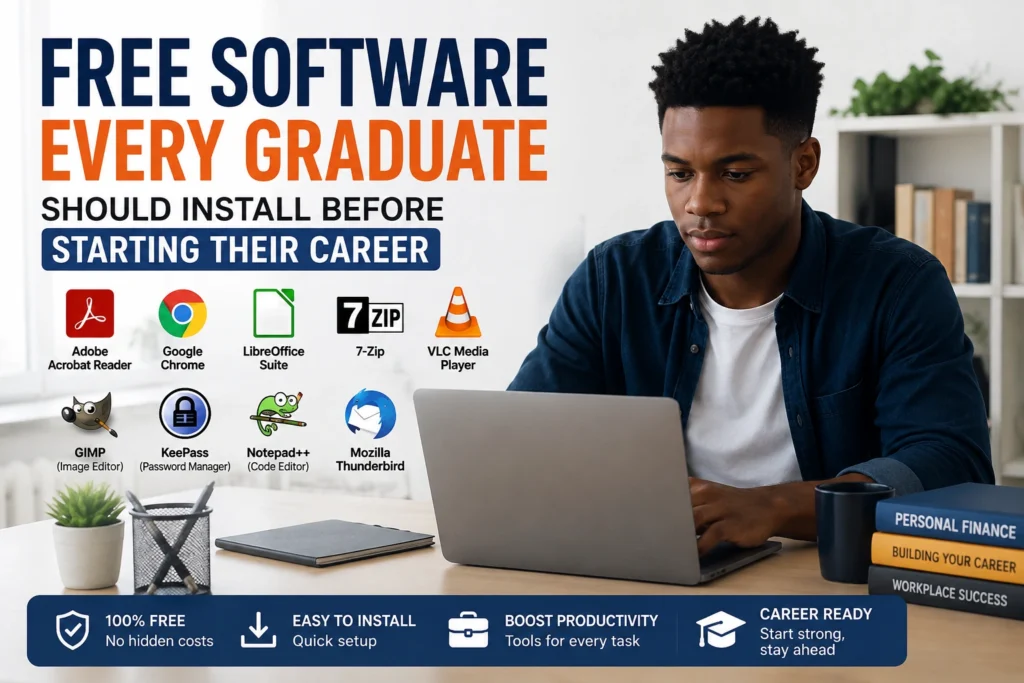
The Free Software Every Graduate Should Install includes practical categories such as office productivity, PDF management, cloud storage, video conferencing, file compression, media playback and password management. Tools such as LibreOffice, Google Drive, VLC, 7-Zip and Bitwarden can help build a useful digital foundation without requiring expensive subscriptions.
More importantly, graduates should focus on learning how to use software effectively, not simply installing it.
Start with five essentials: a reliable browser, office suite, PDF reader, cloud-storage solution and secure password manager. Add interview, communication and specialist applications as your career requirements become clearer.
Your software toolkit will not get you a job by itself. But being organised, secure, comfortable with common digital tools and ready for online recruitment can remove unnecessary obstacles when an opportunity finally arrives.
ALSO APPLY FOR: iTOO Learnership 2026
ALSO APPLY FOR: CHIETA Learnership 2026
ALSO READ ABOUT: Understanding Pension and Provident Funds